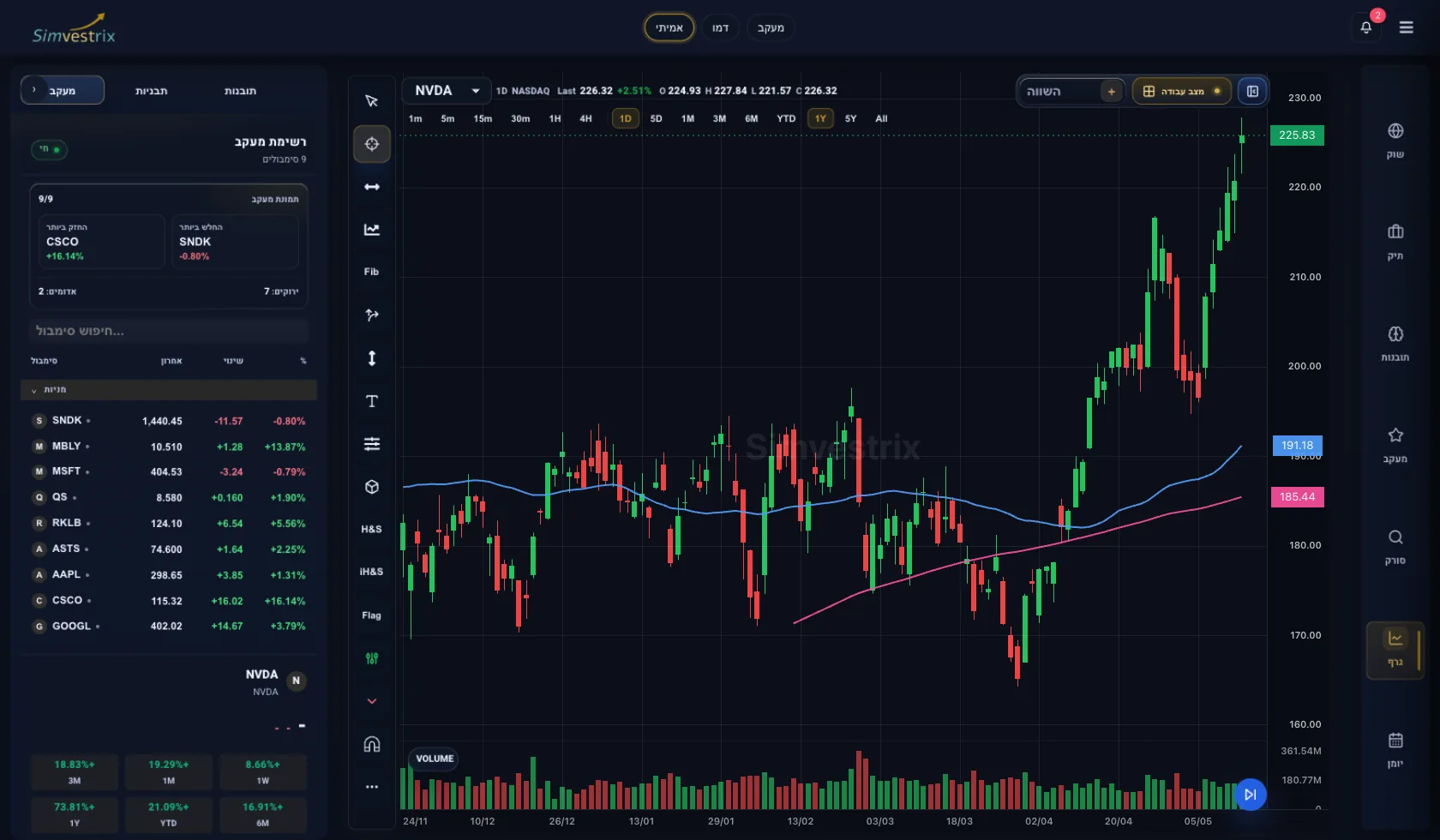
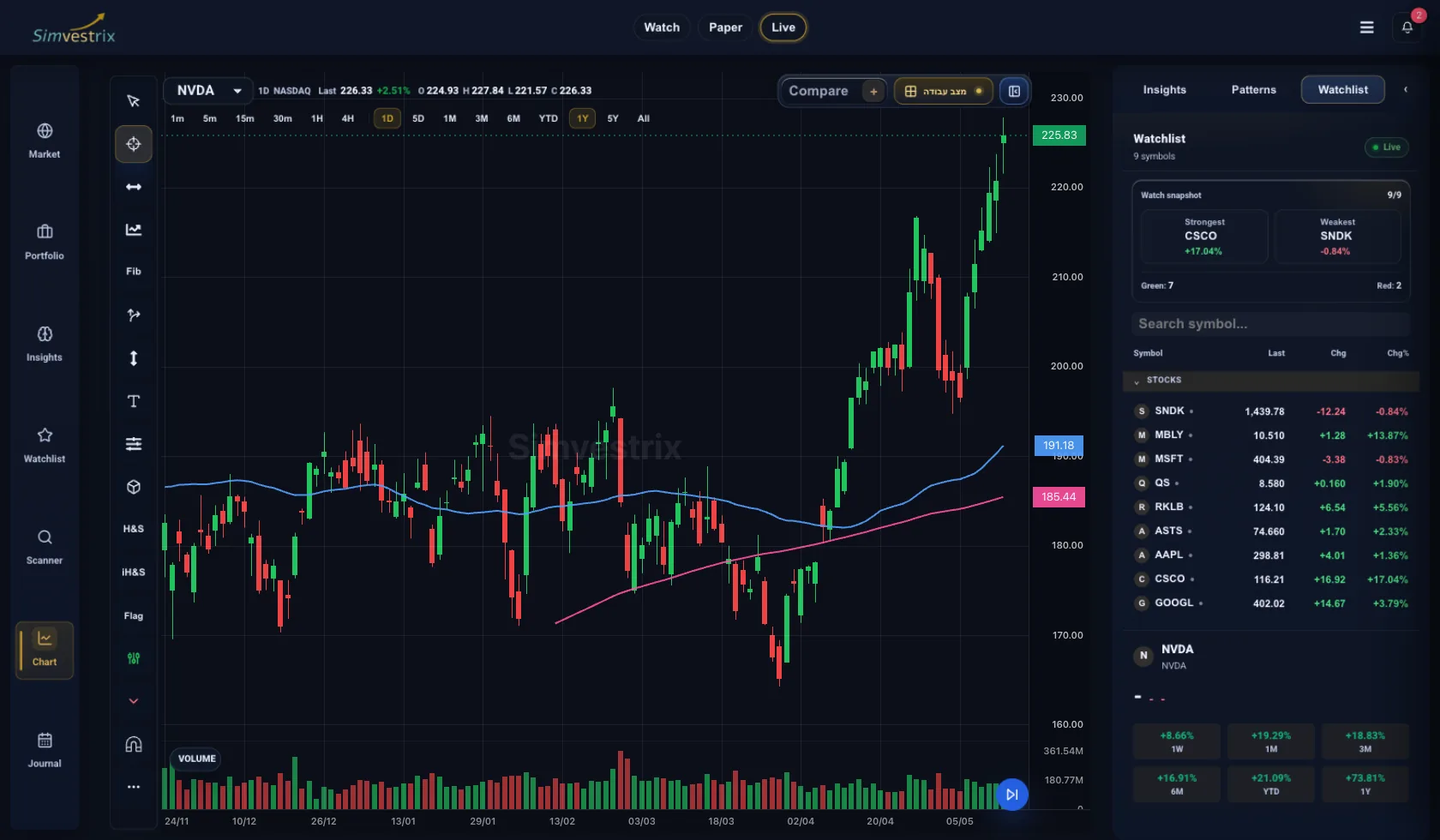
How to work through Simvestrix with structure
This is not a trading course or a signal service. It is a product guide for moving from raw idea to workflow: market, symbol, chart, risk, plan, journal, and review.
Instead of opening random charts and looking for reasons to act, Simvestrix helps you follow a repeatable workflow. Ask one question, take one small action, then move forward.
01. Market
Understand market conditions before looking at a single stock.
02. Scanner / Search
Find symbols worth checking without turning every move into a trade idea.
03. Watchlist
Keep a short working list instead of jumping between dozens of ideas.
04. Chart
Check whether the idea makes sense on price itself.
05. Risk Management
Understand what can go wrong before thinking about reward.
06. Trade Plan
Turn an idea into rules before action.
07. Journal
Document decisions so you can learn from them, not just remember outcomes.
08. Review
Find patterns in your decisions.
Before real action
- Simvestrix is not a broker or investment advisor.
- The workspace helps organize process. It does not promise profit or provide signals.
- Every financial decision is the user's responsibility.
Frequently asked questions
What is the difference between Academy and this Guide?
Academy teaches concepts and thinking habits. This Guide shows where to work inside Simvestrix and what to do at each step.
Do I need to connect a broker?
No. Market, Watchlist, Chart, Trade Plans, and Journal can be used without a broker connection.
Does this guide tell me what stock to buy?
No. The guide teaches workflow. It is not investment advice, signals, or a recommendation to act.